Christmas photos with a name lettered right in
Type any name and the AI writes it into a festive Christmas scene — on signs, stockings, ornaments, and snow. Free to try, print-ready.
Regenerate creates a new image — credits are spent again.
Sign up to save this image + get 3 free credits
Create free account Guest images are watermarked, kept for 24 hours, and not saved to your account — download yours now.Pick a scene, keep the faces
Names lettered in the art
Names are painted into the scene — a sign, a tag, lights in the snow — not stamped on top.
Classic Christmas scenes
Trees, stockings, snowmen, and fireplaces — the backdrop your card deserves.
Five art styles
Photorealistic, watercolor, cartoon, oil painting, and 3D render — one click each.
Pets get names too
“Buddy” on a collar tag or a stocking with your dog's name — same clean lettering.
Free to try
3 free images on signup — enough to test two or three name scenes.
Print-ready
1536–2048px downloads for 5×7 and 8×10 prints, cards, and ornaments.
Three steps to your portrait
Type the name
A first name, a family name, or your pet's name — short and simple renders best.
Pick a scene & style
Tree, stockings, snow, or fireplace — then choose an art style.
Download & print
Grab the PNG and print it, gift it, or set it as the holiday wallpaper.
Steal these prompts
Every sample below includes the exact prompt. Copy it into any AI tool — or hit “Create similar” to run it here with your own photo.
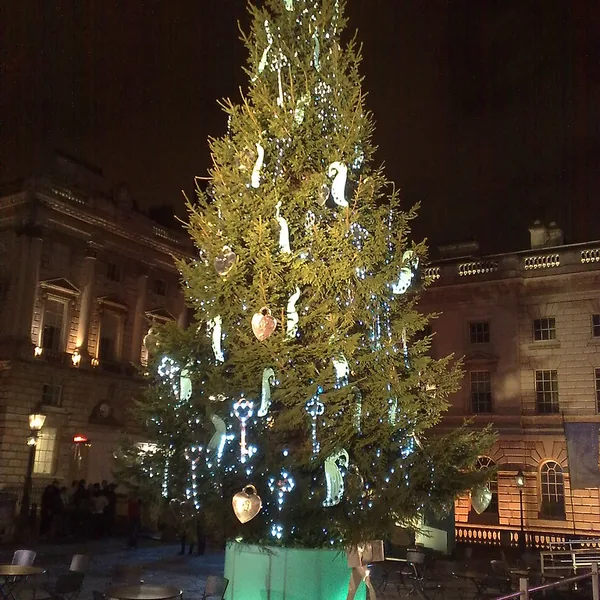
A decorated Christmas tree with warm lights; the name “EMMA” lettered in gold on the tree skirt, cozy living room, photorealistic, high detail
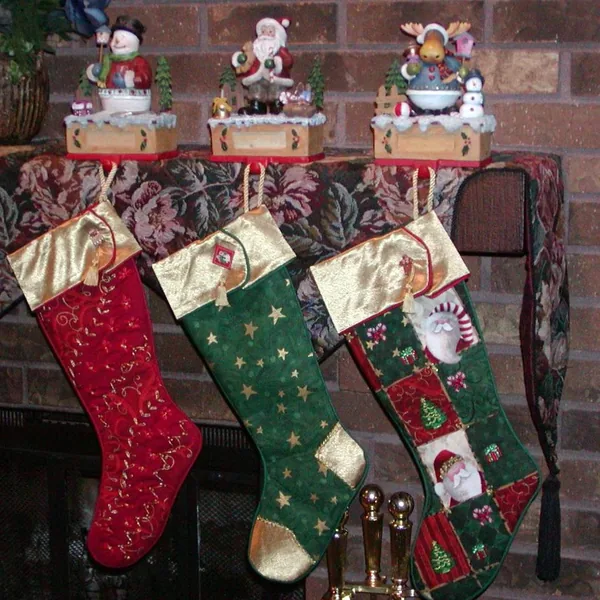
A red Christmas stocking hanging by a stone fireplace, the name “NOAH” stitched in white letters on the cuff, warm glow, photorealistic
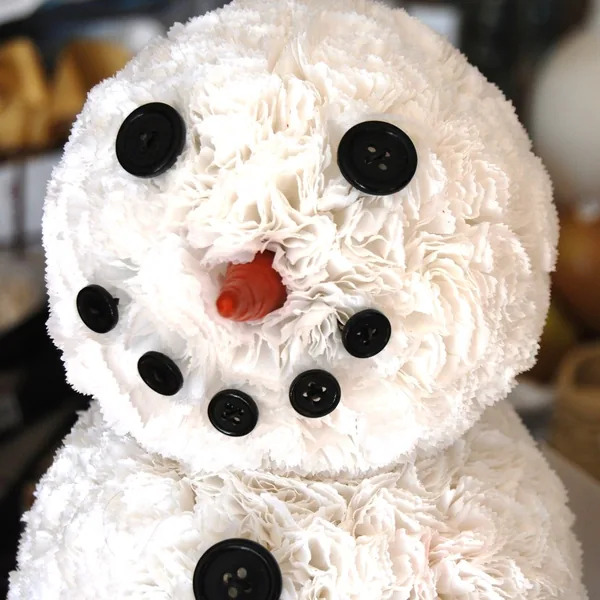
A cheerful snowman at dusk, “The Johnsons” written in the snow in cursive, string lights and falling flakes, photorealistic
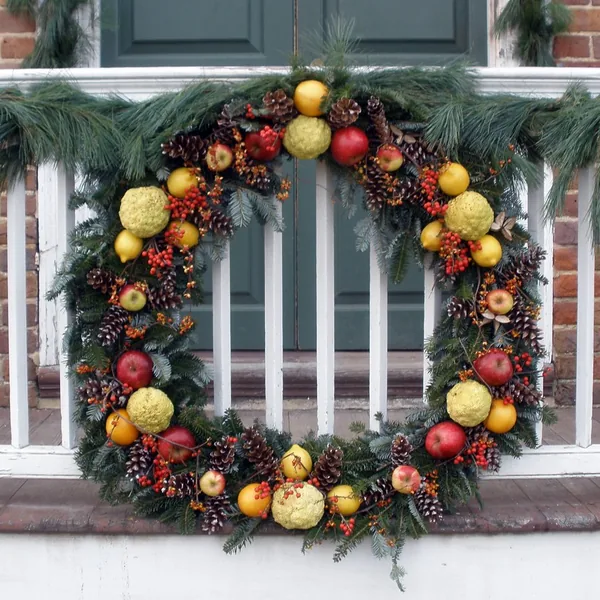
A holly wreath with a red ribbon on a rustic door, a small wooden tag lettered “HOME for the holidays”, photorealistic
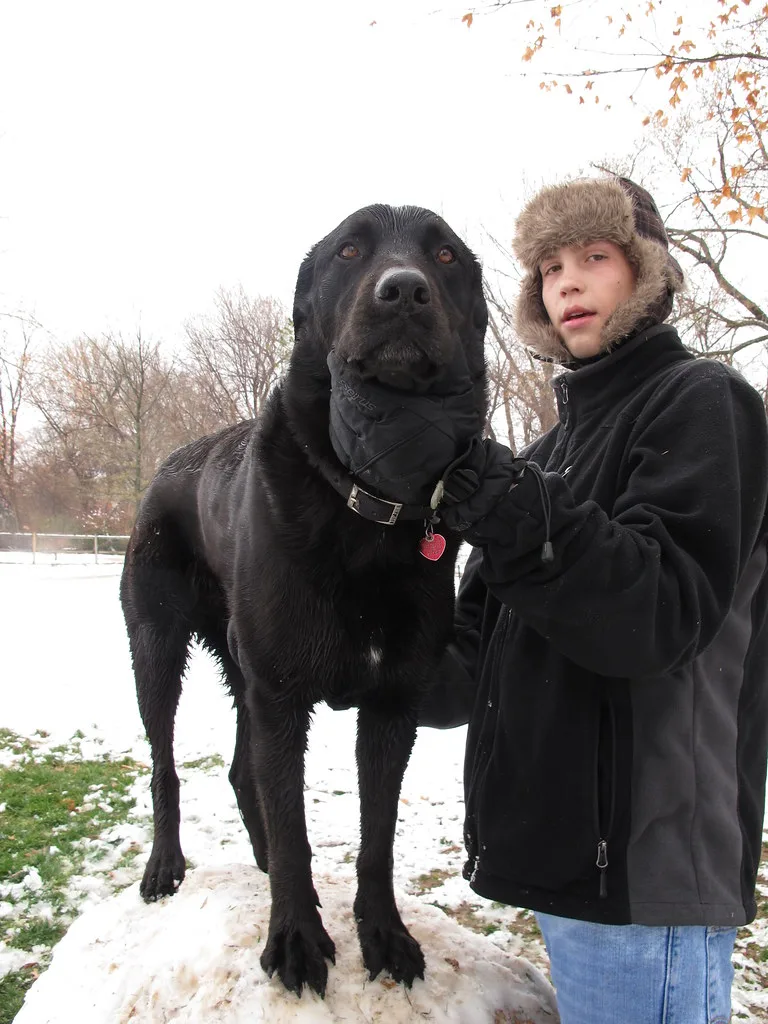
A golden retriever playing in fresh snow, “BUDDY” lettered on the collar tag, soft winter light, photorealistic
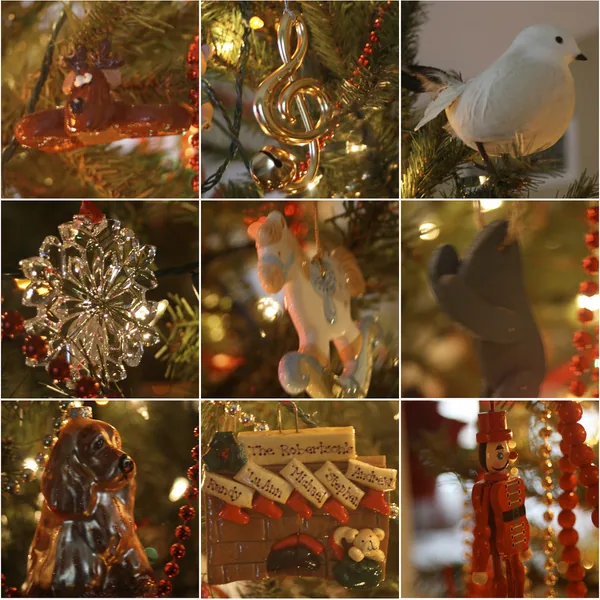
A cozy fireplace with garland and stockings, “The Parkers · Christmas 2026” lettered on a wooden mantel sign, warm candlelight, photorealistic
Getting the best name lettering
Keep it short. Names up to 15–20 characters letter most reliably; longer text belongs on a card, where the editor typesets it in real fonts (see the Christmas Card Maker).
Ask for a surface. The model letter best when the scene offers one — a sign, a stocking cuff, the snow, or an ornament. A name floating in the sky reads less cleanly.
Regenerate freely. Lettering is redrawn each run — two or three attempts usually land a crisp one, and free accounts have credits set aside for exactly this.
Start with 3 free images
New accounts get 3 one-time images at 1024px with a small watermark. Text-to-image generations start at 1 credit — upgrade for higher resolution and watermark-free downloads.
Frequently asked questions
How do I put a name on a Christmas photo?
Type the name in the Name field, describe the scene (or leave it classic), and generate. The AI letters the name into the artwork itself — on a wooden sign, a stocking tag, a banner in the snow, or written in lights.
Is the Christmas photo with name free?
Yes — new accounts get 3 free images at 1024px with a small watermark. Standard generations cost 1 credit; paid plans remove the watermark and unlock up to 2048px.
Will the name be spelled correctly?
Short names render very reliably — up to about 15–20 characters works best. If a spelling slips, regenerate; each run re-letters the name fresh.
What names work best?
First names (“Emma”), family names (“The Johnsons”), pet names (“Buddy”), and short phrases (“Our First Christmas”) all work. Longer text is better set in a card via the Christmas Card Maker.
Can I add more than one name?
Yes — “Emma & Jake” or “The Johnson Family” renders as one lettered piece. For individual names on each image, generate once per name for the cleanest results.
Where does the name appear in the picture?
Wherever the scene naturally holds it: on the tree skirt, a hanging ornament, a snowy window, a stocking, or a wooden sign. Pick scenes with visible surfaces for the crispest lettering.
Can I use a photo of a person instead?
This page letter names into AI artwork. To put an actual photo of someone into a Christmas scene with the face preserved, use the AI Christmas Photo Generator (photo upload).
Can I print a name-in-the-art picture?
Yes. Download at 1536px for a 5×7 print or 2048px for an 8×10. The PNG prints crisply at 300 DPI at those sizes.