Personalized Halloween images
with any name
Create a spooky-fun Halloween card or portrait with a name, pet, and scene. AI writes the details right into the artwork.
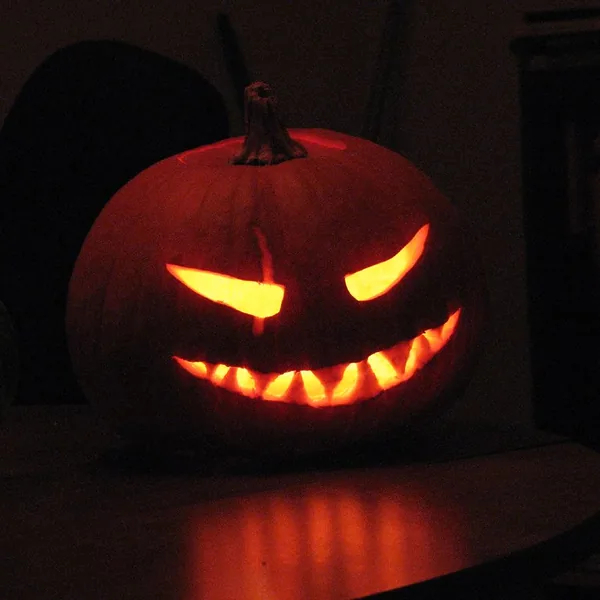
Halloween images made for you
From jack-o'-lanterns to haunted scenes — here is the kind of personalized Halloween art you can create.
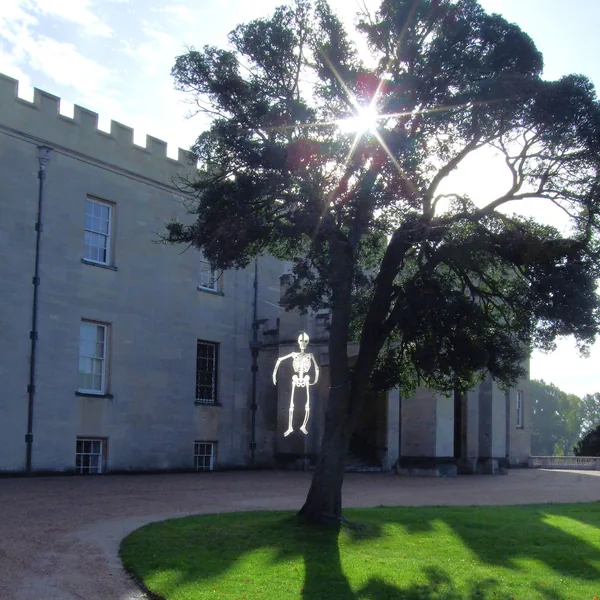
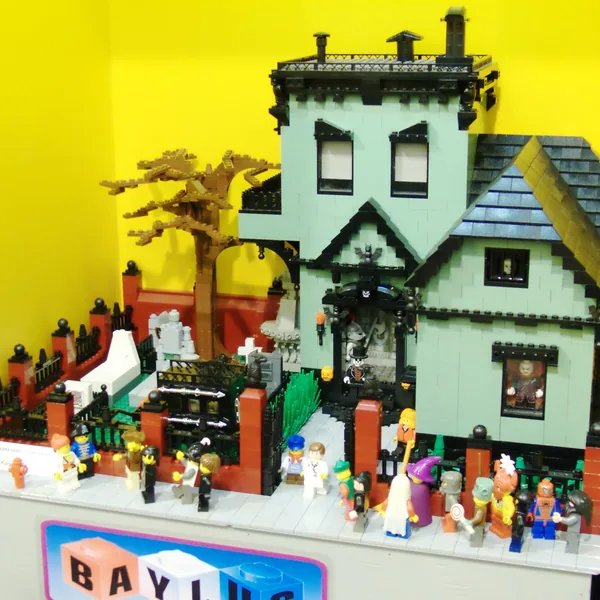
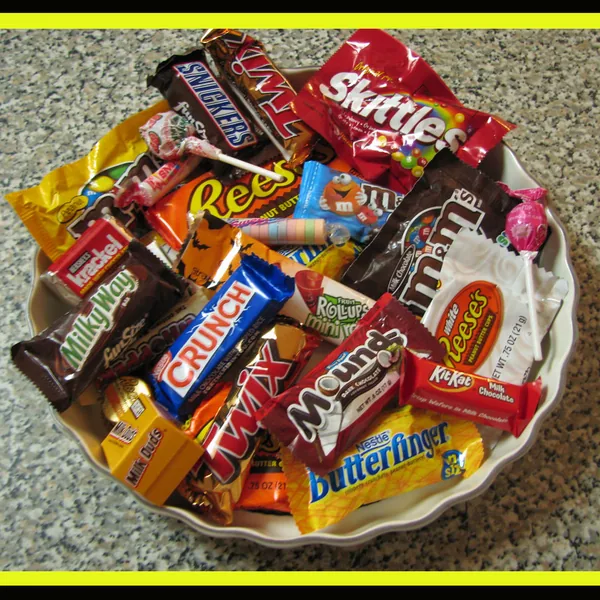
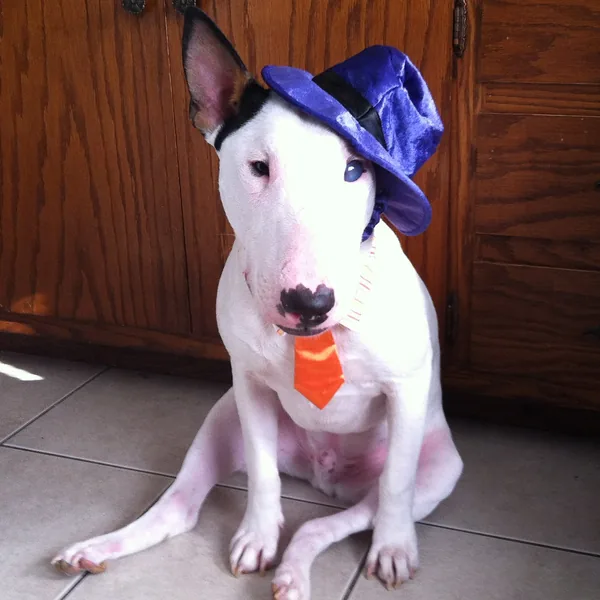
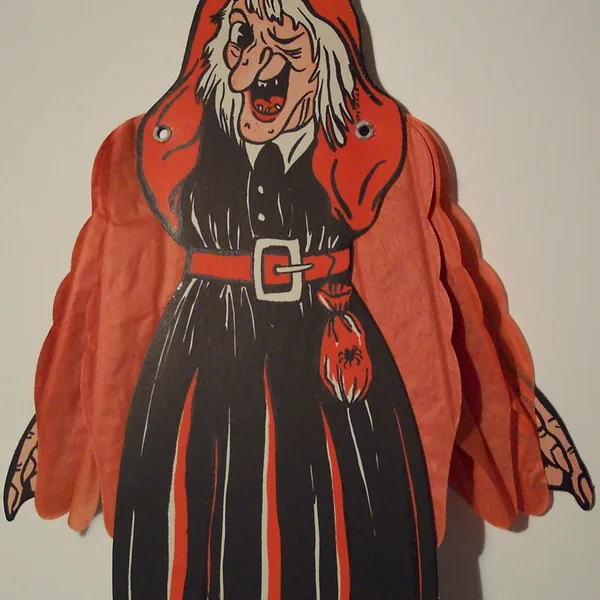
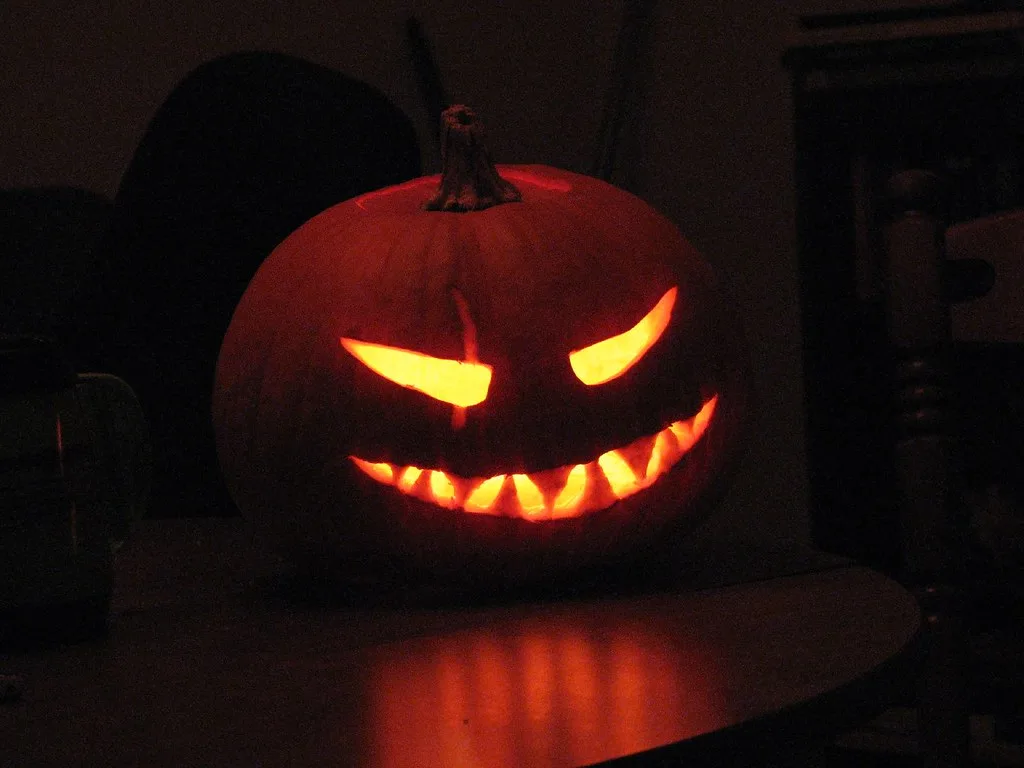
Three steps to your image
Add a name
Type the name that will appear inside the artwork.
Choose a style
Pick photorealistic, watercolor, cartoon, oil painting, or 3D.
Download & share
Get a personalized Halloween image ready to print or send.
Images that feel personal
Name in the art
Names are rendered into the scene, not stamped on top like a watermark.
Pets welcome
Add a dog, cat, or any pet to join the spooky-fun scene.
Spooky, not scary
Every image is playful and family-friendly — pumpkins, not gore.
Five art styles
Photorealistic, watercolor, cartoon, oil painting, and 3D render.
Print-ready quality
High-resolution results ready for cards, posters, and gifts.
Private by default
Your images stay private — we never publish your results.
What will you create?
Not sure where to start? These are the ideas our users generate most — each one takes under a minute.
Family costume portrait
Your crew as vampires, ghosts, or pumpkins with your surname on a haunted-house banner.
Pet in costume
A dog in a bat costume or a cat with a witch hat, name on a tiny collar tag. Instant group-chat hit.
Spooky door sign
“The Smiths” lettered on a wreath of cobwebs for your front door.
Class party flyer
Cute (not scary) cartoon pumpkins with the event name for school and trunk-or-treat flyers.
Halloween birthday
For October birthdays: cake, candles, and jack-o'-lanterns in one scene.
Treat-bag tags
Small images with “Happy Halloween from the Parkers” to staple to neighbor treat bags.
How to get the best result
Set the spookiness level
Words like “cute” or “friendly” in the scene description keep it kid-safe; “spooky” or “moonlit” push it darker.
Keep names short
Up to 15–20 characters render most reliably.
Cartoon and 3D styles suit kids
Photorealistic suits dramatic porch posters; cartoon suits classroom handouts.
Generate a few variations
Re-run for different pumpkins and angles, then pick the one with the cleanest lettering.
Print at 1536px or higher
Porch signs look best at 2048px; treat-bag tags are fine at 1024px.
Printing and sharing your Halloween images
Porch signs and door decor print best at 2048px — roughly 6.8 inches wide at 300 DPI, and copy shops can scale it up to 11×17 and larger. Treat-bag tags and party flyers are fine at 1024px.
For sharing, the free 1024px download is sized for group chats and social. Paid plans remove the watermark and unlock original resolution.
For a Halloween card with a full message inside the artwork, use the holiday card generator — it renders longer text directly into the image.
Start with 3 free images
New accounts get 3 one-time images at 1024px with a small watermark. Upgrade to remove the watermark and unlock higher resolution up to 2048px+, more images, and batch generation.
Frequently asked questions
Can I put a name on a Halloween image?
Yes. Type any name and it is written into the scene — on a carved pumpkin, a banner, or the spooky backdrop.
How do I create a personalized Halloween card?
Enter a name, optionally add a pet or scene, pick a style and hit Generate. Your image is ready in seconds.
Can I include a pet in my Halloween image?
Absolutely. Add a dog, cat, or any pet to join the costumes, pumpkins, and haunted setting.
Is it free to create Halloween images?
Yes. New accounts get 3 free images. Free images are 1024px with a small watermark.
What styles are available?
Photorealistic, watercolor, cartoon, oil painting, and 3D render — switch styles with one click.
Can I download high-resolution images?
Yes. Paid plans remove the watermark and unlock resolution up to 2048px or higher.
How is a personalized Halloween image different from a regular card?
Your name, pet, and scene are written directly into the artwork, so every greeting is unique.
Do you offer Halloween images for kids?
Yes. The cartoon and 3D styles are popular for children's Halloween images with their name.
Can I make kid-friendly (not scary) images?
Yes — describe the scene as “cute”, “friendly”, or “cartoon” and pick the cartoon or 3D style.
What size should I print a porch sign?
2048px prints crisply at about 6.8 inches wide at 300 DPI, and copy shops can scale it to 11×17 and larger.
How long does generation take?
Usually 10–30 seconds; Halloween week can take up to a minute.
Can I regenerate until I like it?
Yes — each generation spends credits, so re-run as often as you like.
Do names in other alphabets work?
Latin-alphabet names (including accents) render most reliably; other scripts can be inconsistent.
Are my images private?
Yes — private to your account, never published, auto-deleted after 90 days unless downloaded.