Free Christmas card maker
with your message set in type
Design a personalized Christmas card: pick a layout, generate a festive no-text background, then typeset your greeting — drag it into place and export print-ready. Text editing is always free.
Christmas card editor
Design your holiday card
Pick a layout, generate a no-text background, then typeset your greeting — editing text is always free.
1024px is free on every plan. Starter / Pro unlock 1536–2048px exports.
Free plan exports include a small watermark baked into the background. PDF export is coming soon.
Christmas cards you can typeset yourself
Fireplaces, snowy pines, ornament frames, and gold-on-emerald elegance — generate the backdrop, then set your message in real fonts.


Three steps to your image
Pick a layout & generate
Choose a card layout and generate its no-text background — 1 credit, ~10 seconds.
Typeset your greeting
Add recipient, message, and signature; pick font, color, size, and alignment — all free, unlimited.
Drag, export, send
Drag the text block into place, export PNG/JPG, then print it or send it online.
Images that feel personal
Your message, spelled right
Text is typeset by the editor in real fonts — never drawn by AI — so greetings come out letter-perfect.
Four Christmas layouts
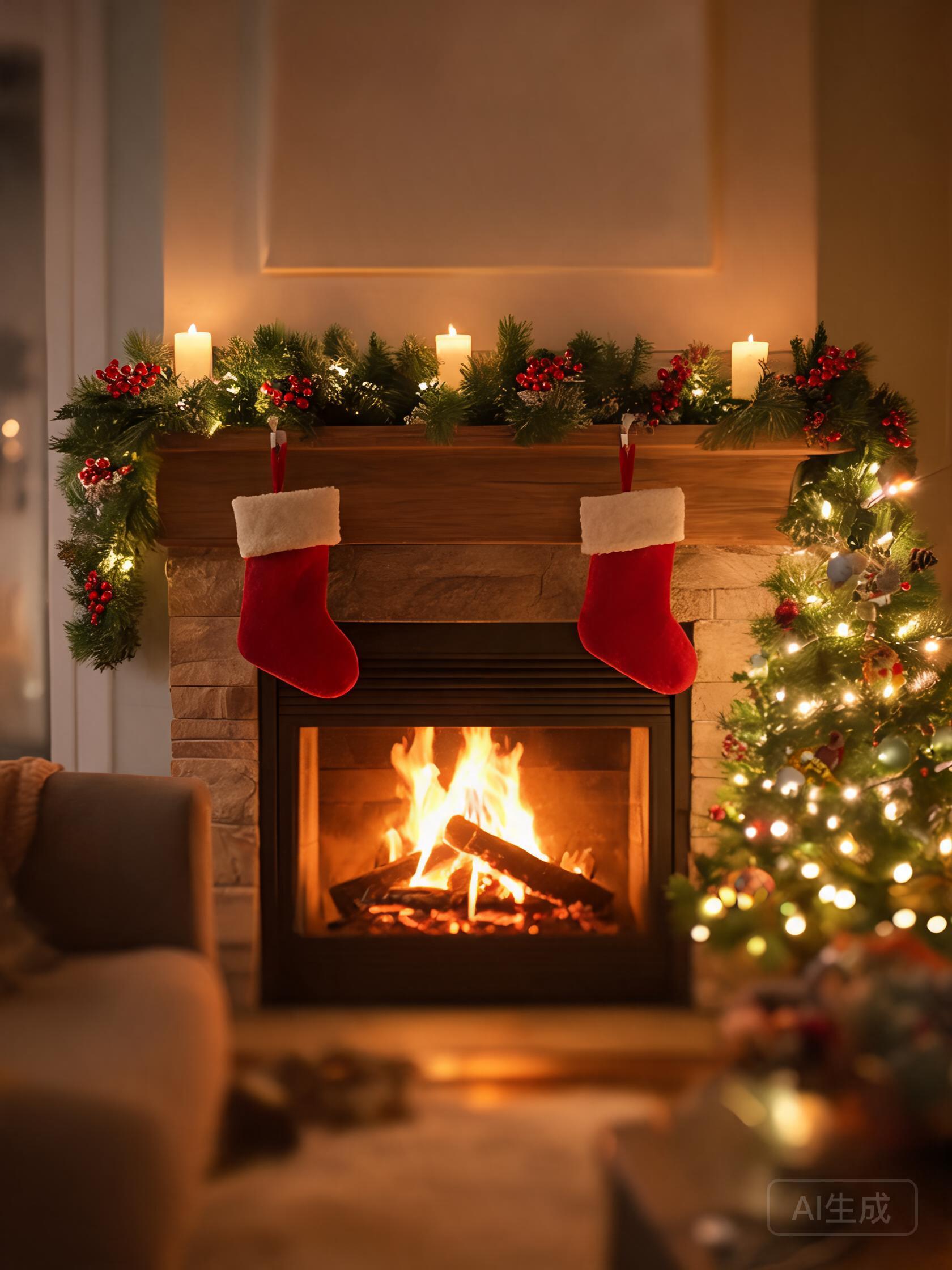
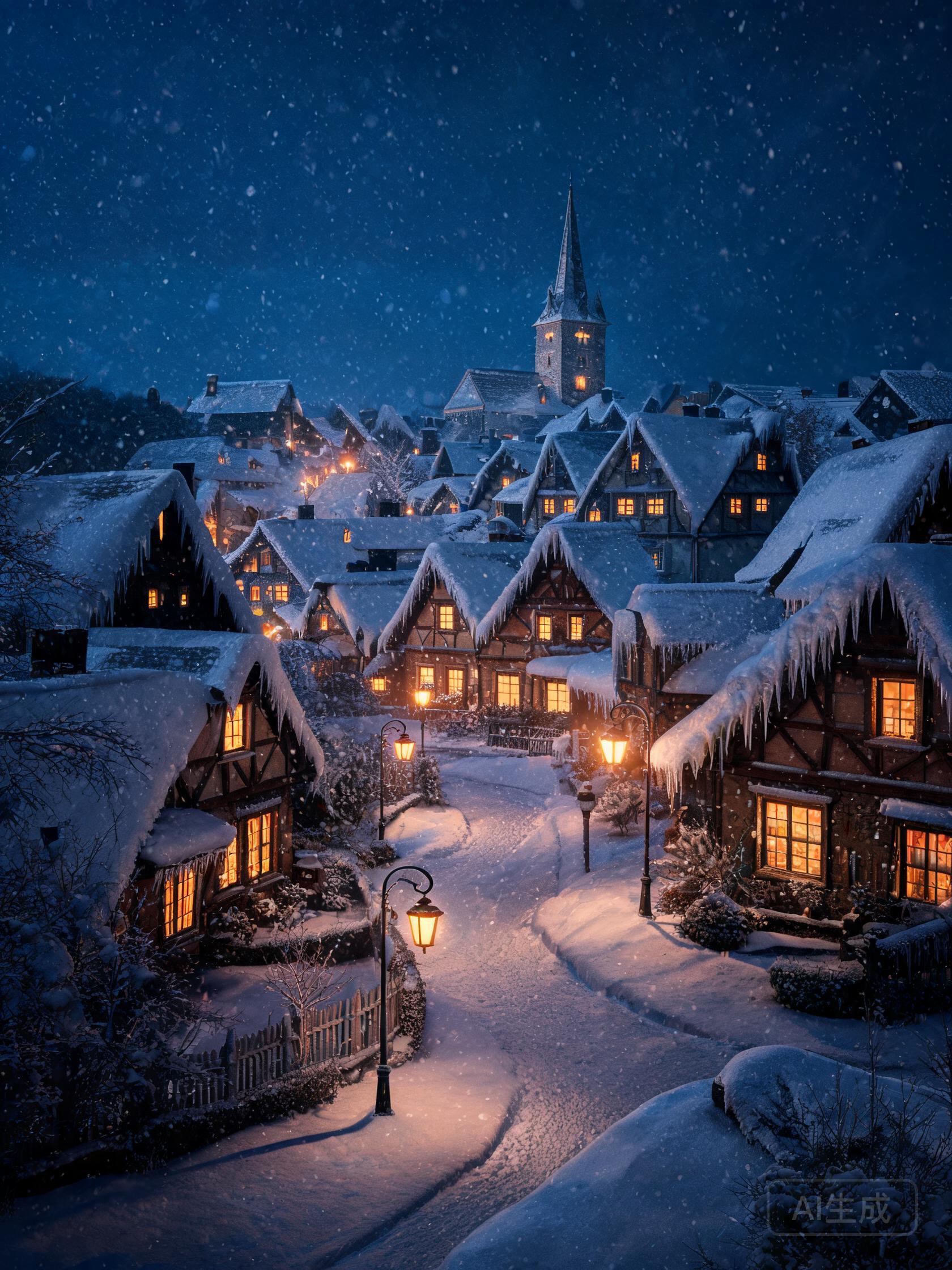
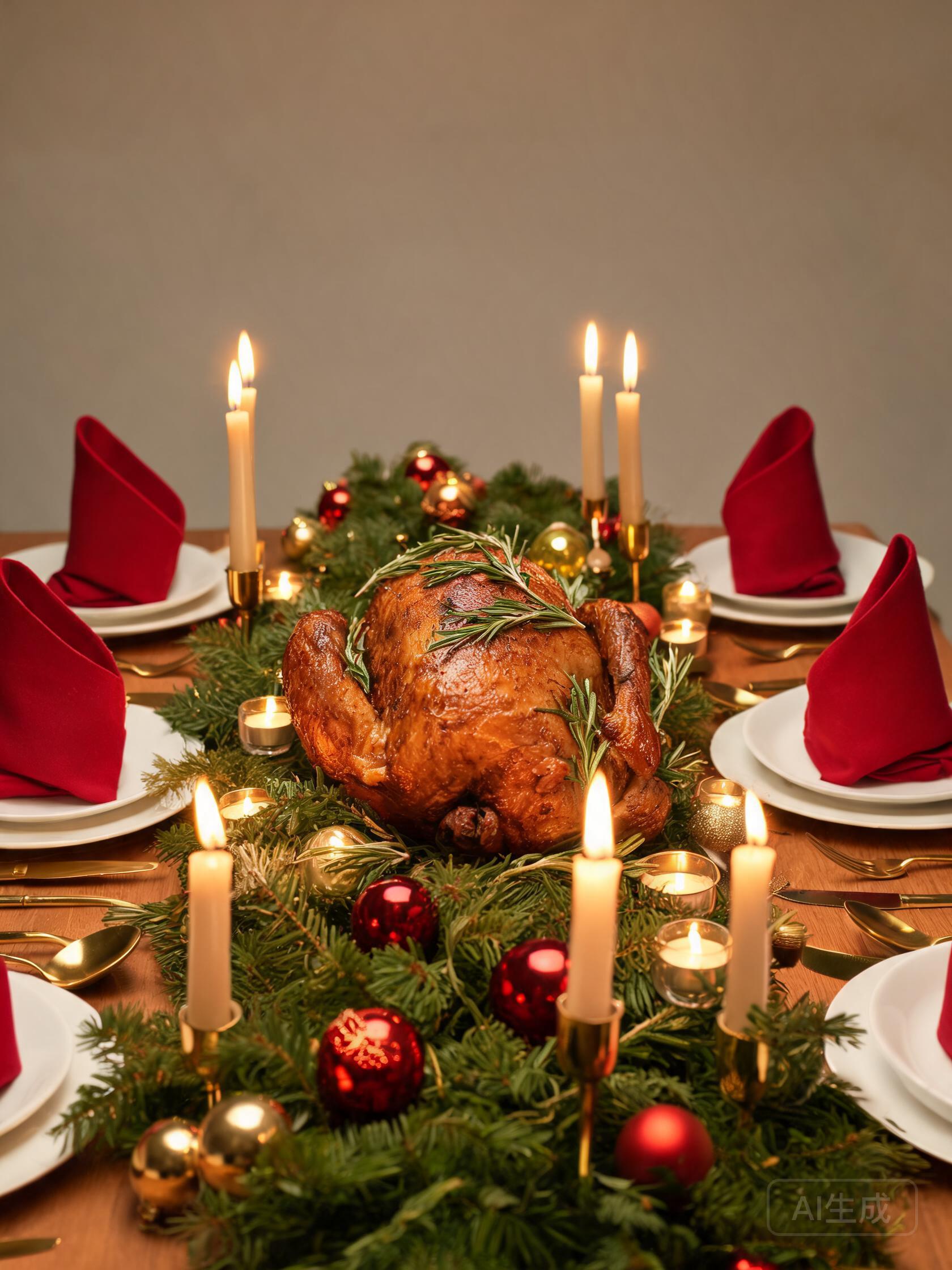
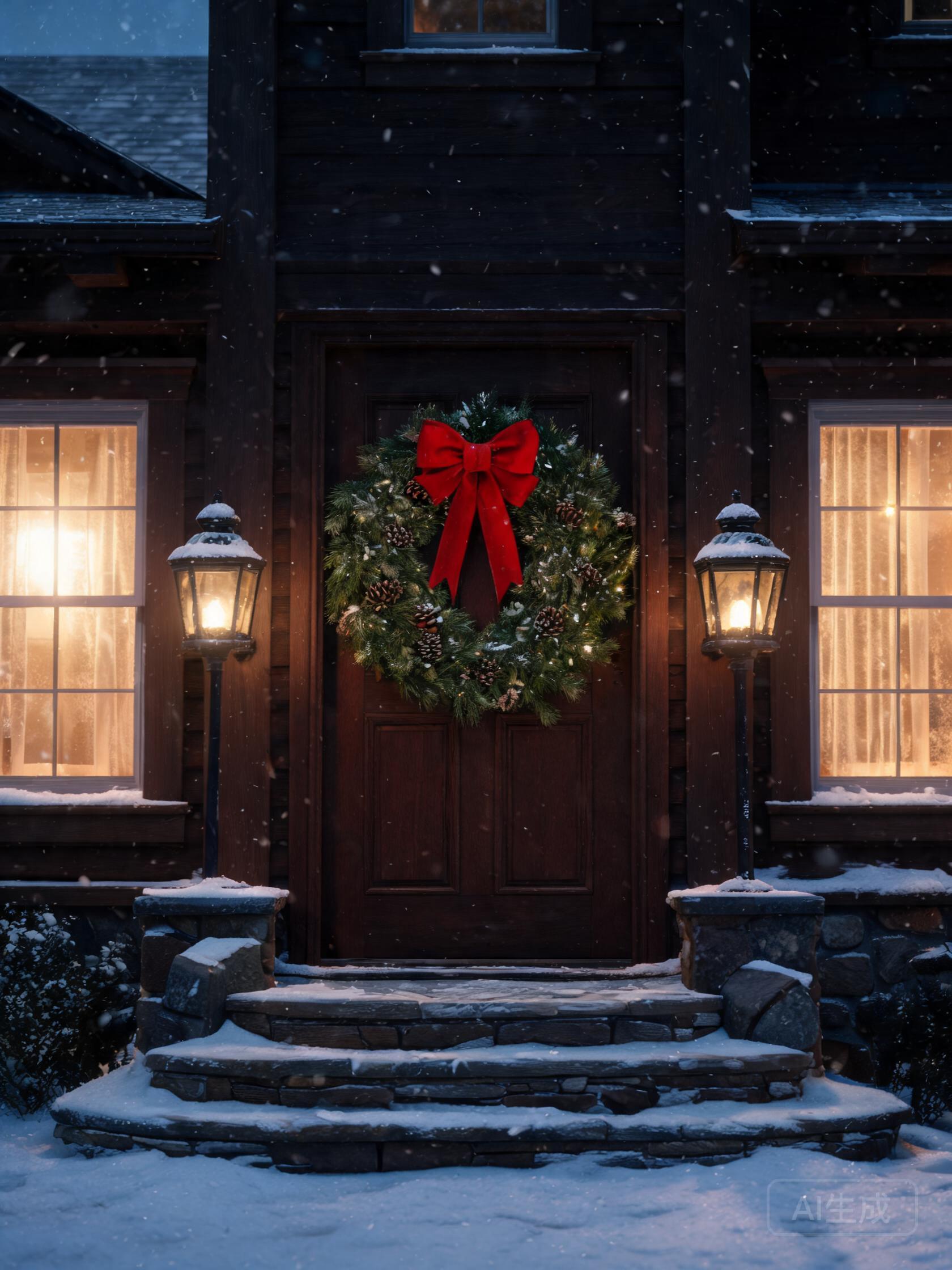
Cozy Hearth, Snowy Pines, Ornament Frame, and Gold & Emerald — each with a text area placed by a designer.
Drag-to-position text
Grab the text block and drag it anywhere on the card; the export matches your preview exactly.
Fonts & colors
Elegant serif, handwritten script, festive display, modern sans — with six curated ink colors and three sizes.
Free text edits
Rewrite, restyle, and reposition as much as you like. Only new backgrounds cost a credit.
Print-ready exports
PNG or JPG at your background's full resolution — 1024px free, 1536–2048px on paid plans.
What will you create?
Not sure where to start? These are the ideas our users generate most — each one takes under a minute.
The classic family card
“Dear everyone — Merry Christmas from the Johnsons” set in elegant serif over the Cozy Hearth fireplace.
Script & candlelight
A handwritten-style greeting in script font over the Candlelit Christmas Eve tones of the Gold & Emerald layout.
Neighbor gifts
Snowy Pines with a short blessing — print a set at 5×7 and tie them to treat jars.
Kids' thank-you notes
Ornament Frame layout, festive font, one line of thanks — let the kids pick the color.
Last-minute e-cards
Free 1024px export with the watermark is sized perfectly for WhatsApp and email.
From our new home
Moving-away greeting over the snowy pines — add your new address as the signature line.
How to get the best result
Let the layout place text
Each layout ships with a designer-set text area; drag only if you want a custom spot.
Short messages read best
Two or three lines (~240 characters) keep the type large enough to read on a printed 5×7.
Match ink to scene
Light inks (white, cream, gold) pop on dark scenes; deep red or green suits the light Ornament Frame.
Use script sparingly
Script shines for signatures and short greetings; long messages stay clearest in serif or sans.
Generate 2–3 backgrounds
Each generation is a new composition — pick the one that frames your message best.
Printing and sharing your Christmas cards
A 2048px export prints crisply at 5×7 inches (300 DPI) with room to crop; 1536px is plenty for a 4×6. Both home printers and online print services accept the PNG as-is.
For mailed cards, print by mid-December for domestic delivery before Christmas. The free 1024px export — with a small watermark — is sized for WhatsApp, Instagram, and email.
Want people or pets inside the artwork itself? The AI Christmas Photo Generator keeps uploaded faces recognizable; pair it with a card-maker cover for a full set.
Start with 3 free images
New accounts get 3 one-time images at 1024px with a small watermark. Upgrade to remove the watermark and unlock higher resolution up to 2048px+, more images, and batch generation.
Frequently asked questions
How does the Christmas card maker work?
It's a two-layer editor: AI generates a festive no-text background (fireplace, snowy pines, ornament frames, and more), then you typeset your greeting on top — recipient, message, and signature. Editing text is always free; generating a new background uses 1 credit.
Is the Christmas card maker free to try?
Yes. New accounts get 3 free images — each generates one card background. Free backgrounds are 1024px with a small watermark; paid plans remove the watermark and unlock 1536–2048px print-ready exports.
Will the text come out spelled correctly?
Yes — that's the point of the editor. The AI never draws the words; your message is typeset in real fonts (elegant serif, script, festive, and modern sans) so every letter is correct, and you can reposition it by dragging.
What size should I print my Christmas card?
Export at 1536px for a 5×7 card or 2048px for extra cropping margin. At 300 DPI, 2048px prints cleanly at roughly 6.8 inches wide — home printers and online print shops accept the PNG directly.
Can I make cards from a photo of my family or pet?
The card maker designs message cards with illustrated backgrounds. To put your family, kids, or pet inside a Christmas scene, use the AI Christmas Photo Generator instead — it keeps faces recognizable from an uploaded photo.
Can I change the message without spending credits?
Yes. Text edits — recipient, message, signature, font, color, size, alignment, and repositioning — are unlimited and free. Only generating a new background (or a different layout's background) costs a credit.
What layouts are available?
Christmas layouts include Cozy Hearth (fireplace), Snowy Pines (winter sky), Ornament Frame, and Gold & Emerald. Thanksgiving layouts (Harvest Border, Candlelit Table) are on the Thanksgiving Card Maker page.
Can I export a PDF?
PNG and JPG exports are available now at your background's full resolution. PDF export is planned — for printing today, the 2048px PNG is accepted by every major online print service.