Personalized Christmas images
with any name
Create a one-of-a-kind Christmas card or portrait with a name, pet, and scene. AI writes the details right into the artwork.
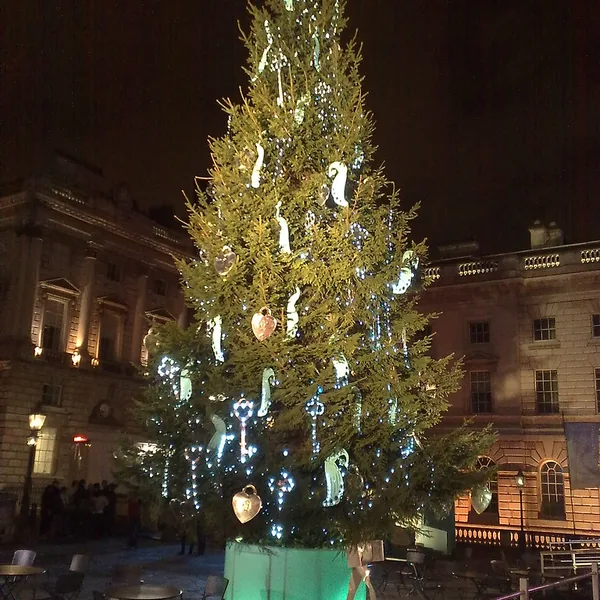
Christmas images made for you
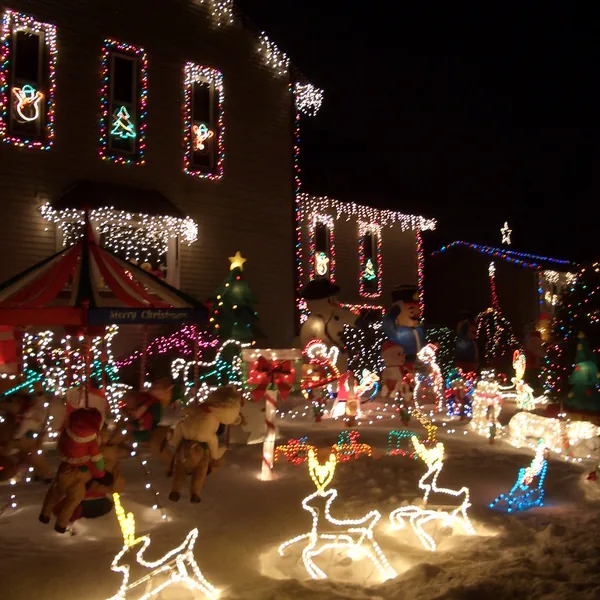
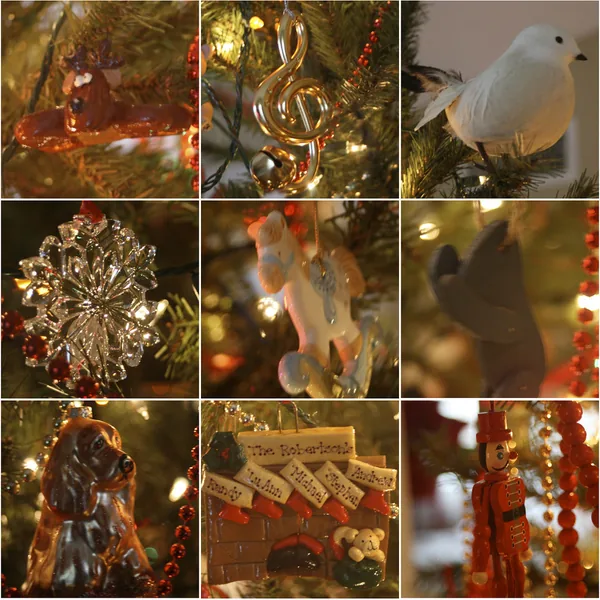
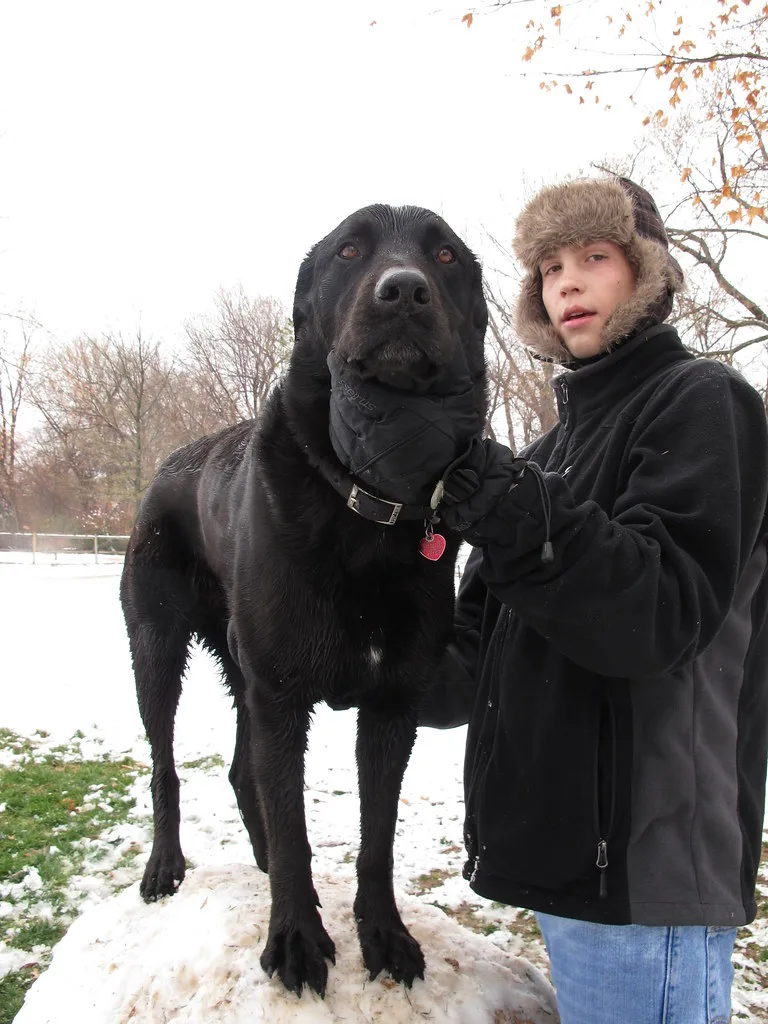
From Christmas trees to snowy scenes — here is the kind of personalized Christmas art you can create.
Three steps to your image
Add a name
Type the name that will appear inside the artwork.
Choose a style
Pick photorealistic, watercolor, cartoon, oil painting, or 3D.
Download & share
Get a personalized Christmas image ready to print or send.
Images that feel personal
Name in the art
Names are rendered into the scene, not stamped on top like a watermark.
Pets welcome
Add a dog, cat, or any pet to sit beside the tree and lights.
Cozy winter scenes
Every image is built around lights, snow, and warm holiday detail.
Five art styles
Photorealistic, watercolor, cartoon, oil painting, and 3D render.
Print-ready quality
High-resolution results ready for cards, posters, and gifts.
Private by default
Your images stay private — we never publish your results.
What will you create?
Not sure where to start? These are the ideas our users generate most — each one takes under a minute.
Family Christmas card
A warm illustrated portrait with your surname lettered across a banner — the classic card, ready to print at 5×7.
Pet under the tree
Your dog or cat in a Santa hat beside wrapped gifts. Pet names render just as cleanly as people names.
Name in the lights
A first name spelled out in glowing string lights against a snowy night window.
Couple's first Christmas
Two names on a shared stocking or a heart ornament for couples celebrating together.
Baby's first Christmas
A soft watercolor keepsake with the baby's name and birth year for grandparents' fridges.
Office & team cards
A neutral, pet-free scene with the company or team name for client greetings.
How to get the best result
Keep names short
Up to 15–20 characters render most reliably. Long names still work but may be abbreviated — a first name usually looks better than a full roster.
Say who is in the scene
“A family of four with a golden retriever” gives the model a much better composition to work with than leaving it to chance.
Pick the style before generating
Watercolor and cartoon letter names more softly; photorealistic suits printed cards. You can switch styles with one click and compare.
Generate 2–3 variations
Re-running the same prompt produces different compositions. Generate a few, then keep the one with the cleanest lettering.
Download at 1536px or higher for print
1024px is fine for social posts; 1536–2048px holds up printed at 5×7 inches.
Printing and sharing your Christmas images
For printed cards, download at 1536px or 2048px and print at 5×7 or A5 — a 2048px image prints crisply at roughly 6.8 inches wide at 300 DPI. Online print shops and local printers all accept PNG files directly.
For sharing, the watermarked 1024px free download is sized for WhatsApp, Instagram, and email. Paid plans remove the watermark and unlock the original resolution.
If you want a full message typeset inside the artwork itself — not just a name — use the holiday card generator, which is built for rendering longer text into the image.
Start with 3 free images
New accounts get 3 one-time images at 1024px with a small watermark. Upgrade to remove the watermark and unlock higher resolution up to 2048px+, more images, and batch generation.
Frequently asked questions
Can I put a name on a Christmas image?
Yes. Type any name into the generator and it is written into the scene — on a card, a gift tag, or the snowy backdrop.
How do I create a personalized Christmas card?
Enter a name, optionally add a pet or scene, pick a style and hit Generate. Your personalized Christmas image is ready to download or share in seconds.
Can I include a pet in my Christmas image?
Absolutely. Add a dog, cat, or any pet and it will appear in the scene with the tree, lights, and snowy setting.
Is it free to create Christmas images?
Yes. New accounts get 3 free images to try before upgrading. Free images are 1024px with a small watermark.
What styles are available for Christmas images?
Photorealistic, watercolor, cartoon, oil painting, and 3D render — switch styles with one click.
Can I download high-resolution Christmas cards?
Yes. Paid plans remove the watermark and unlock high-resolution downloads up to 2048px or higher.
How is a personalized Christmas image different from a regular card?
Your name, pet, and scene are written directly into the artwork, so every card is one-of-a-kind.
Do you offer Christmas images for families?
Yes. Add multiple names or a favorite pet to create a festive family portrait for cards and gifts.
What size should I print my Christmas card?
Download at 1536px for a 5×7 card, or 2048px if you want extra margin for cropping. At 300 DPI, 2048px prints cleanly at roughly 6.8 inches wide.
Can I add a year or a short message?
Yes — add it to the name field, e.g. “The Johnsons 2026”. For longer messages, use the holiday card generator, which renders full text into the artwork.
How long does generation take?
Most images are ready in 10–30 seconds. During peak holiday demand it can take up to a minute — the page shows progress while you wait.
Can I regenerate if I don't like the result?
Yes. Every generation costs credits, so you can re-run the same prompt as many times as you like and keep the version you prefer.
Do you support names in other alphabets?
Latin-alphabet names (including accented characters like é or ñ) render most reliably. Other scripts can be inconsistent — generate a free image first to check.
Are my images private?
Yes. Generated images are private to your account, are never published, and are automatically deleted after 90 days unless you download them.