Christmas candy cane photos from your photo
Upload a photo and step into a candy-cane wonderland — peppermint swirls, striped props, glossy backdrops — with your face kept intact. Free to try.
Pick a scene, keep the faces
Peppermint everything
Giant swirls, striped lollipops, candy props — a full candy-cane studio set.
Your face stays yours
Generated from your uploaded photo — features, skin tone, and hairstyle preserved.
All five subjects
Solo, couple, family, kids, and pets all shine among the stripes.
Studio lighting built in
Soft key light with warm fill — the scene was designed like a photo set.
Two fitting styles
Photorealistic for a real studio look; 3D render for full candy-land fantasy.
Print & gift ready
1536–2048px downloads for cards, ornaments, and frames.
Three steps to your portrait
Upload a photo
A clear, well-lit shot of whoever's getting the portrait — pets welcome.
Pick Candy Cane Studio
It's pre-selected below; choose photorealistic or 3D render.
Download & print
Grab the PNG for cards, tags, or that one perfect ornament.
Steal these prompts
Every sample below includes the exact prompt. Copy it into any AI tool — or hit “Create similar” to run it here with your own photo.
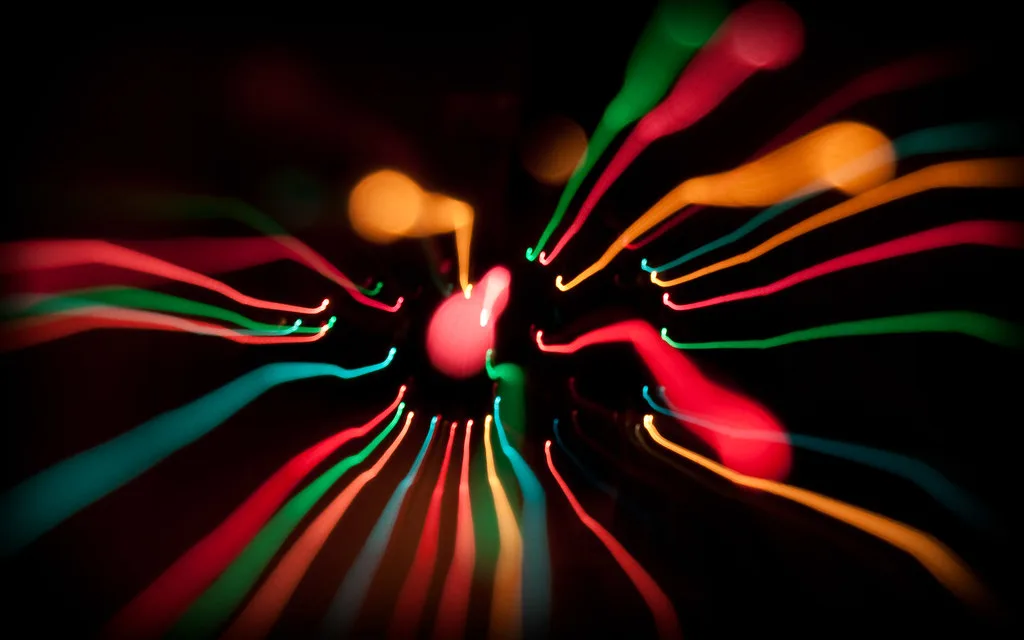
Portrait in a candy-cane wonderland: giant peppermint swirls, red-and-white striped props, glossy wrapping paper backdrop, studio light, photorealistic
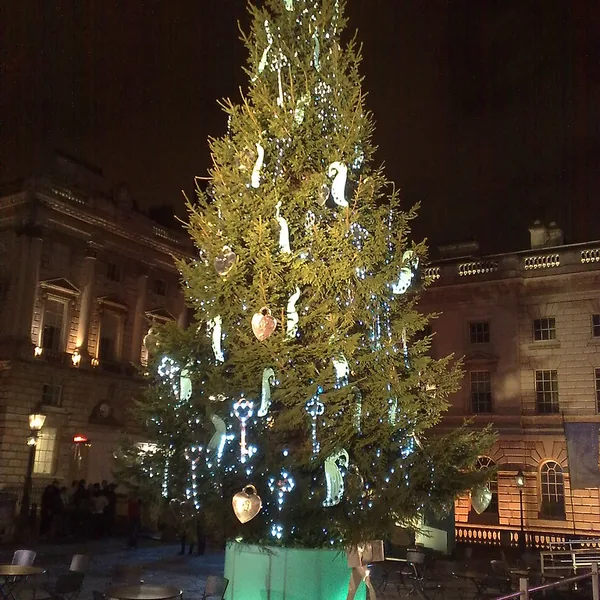
Festive portrait beside a decorated tree with striped candy-cane props and wrapped gifts, soft studio lighting, 3D render
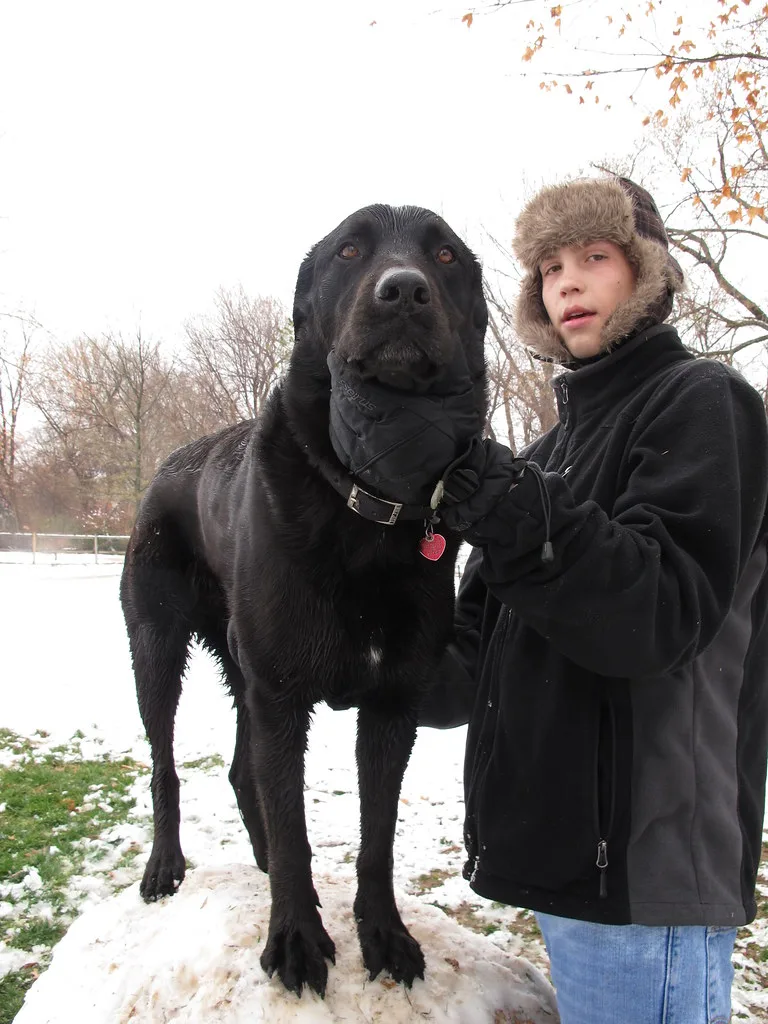
A golden retriever sitting in a candy-cane wonderland with peppermint swirls and striped props, soft studio light, photorealistic
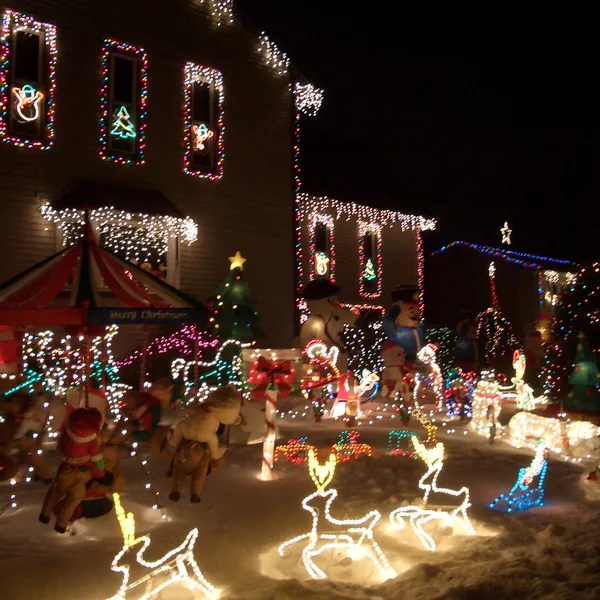
Close-up of warm fairy lights over red-and-white candy-striped props and peppermint candies, glossy wrapping paper, bokeh
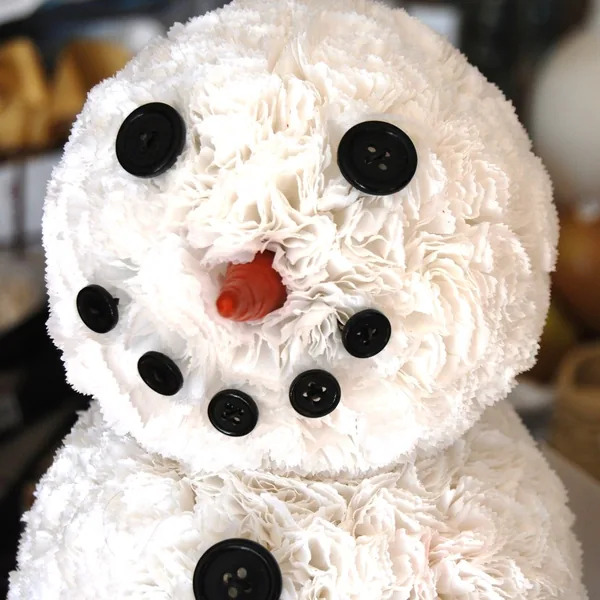
A cheerful snowman beside giant candy canes and peppermint swirls in fresh snow, playful 3D render
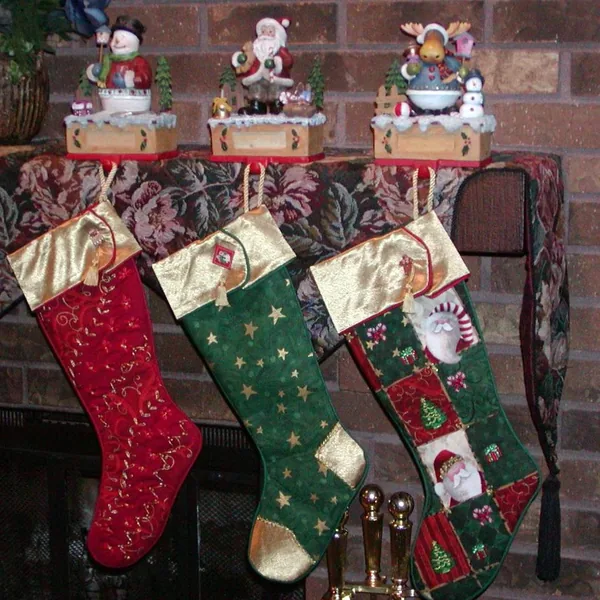
Red-and-white striped stocking filled with candy canes hanging by a fireplace, warm glow, photorealistic
Making the most of the candy cane scene
The scene was designed like a studio set: props big, backdrop glossy, light soft. Faces read best from clear uploads — the stripes do the styling, the photo does the identity.
Photorealistic gives you a shop-window set; 3D render goes full candy-land. Same photo, two moods — regenerate to compare.
Candy cane portraits make small gifts: print 1024px for gift tags or ornaments, 1536px for a 5×7. For other scenes, the AI Christmas Photo Generator holds all ten.
Start with 3 free images
New accounts get 3 one-time images at 1024px with a small watermark. Photo generations use 8 credits and work on every plan — upgrade to remove the watermark and unlock higher resolution.
Frequently asked questions
What is a Christmas candy cane photo?
A festive portrait set in a candy-cane wonderland: giant peppermint swirls, red-and-white striped props, and glossy wrapping-paper backdrops — generated from your uploaded photo with your face kept intact.
How do I make one?
Upload a photo below, make sure the Candy Cane Studio scene is selected, and generate. You can switch subjects (solo, couple, family, kids, pets) to match who's in the photo.
How much does it cost?
You can try it with the 3 free images on a new account. Candy cane photo generations use 8 credits each and work on every plan; free results are 1024px with a small watermark.
Will the candy cane scene look real?
In photorealistic style it reads like a studio set — glossy props, soft key light, striped backdrops. The 3D-render style goes full candy-land instead.
What photo should I upload?
A clear shot with the face visible and even lighting — solo, couple, family, kids, or a pet. JPG, PNG, or WebP up to 10 MB, shortest side at least 512px.
Can kids and pets get one too?
Yes — the candy cane studio works for all five subject types. Pets keep their breed and markings; kids keep their faces exactly.
What can I print it on?
Ornaments, cards, and small frames. 1536px suits a 5×7 print; the free 1024px is fine for social posts and small tags.
Are there other scenes besides candy canes?
Yes — ten Christmas scenes including snowy wonderland, Santa portraits, and gingerbread world. Candy Cane Studio is just the sweetest one.